Updated
In this article, we’ll delve into how AI legal assistants are revolutionizing the laborious aspects of legal work.
We’ll closely examine the top 7 AI tools, each playing a transformative role in case management, research, and communication within the legal industry.
Best AI Legal Assistants
#ToolWhat it does
How We Chose
Five things separate a great AI legal assistant from the rest:- Ease of use — an intuitive interface that’s easy to navigate, even for non-tech-savvy users.
- Efficient document processing — quickly and accurately analyzes and drafts legal documents.
- Reliable legal research — conducts thorough research and returns accurate, relevant results.
- Versatility — handles a wide range of tasks, from case management to client communication.
- Secure and compliant — meets the highest standards of data protection and legal compliance.
1. ChatGPT
Key features
- Document Generation: Quickly creates first drafts of contracts, briefs, cease and desist letters, and other legal documents with proper formatting.
- Research Assistance: Summarizes case law, identifies relevant statutes, and provides overviews of legal precedents to accelerate research tasks.
- Client Communication: Translates complex legal jargon into plain language and generates draft responses for common client inquiries.
- Evidence Analysis: Analyzes and classifies legal evidence with high accuracy, applying appropriate legal rules to different scenarios.
Our take
ChatGPT excels at reducing time spent on routine legal tasks but requires careful verification, as it occasionally creates convincing but fictional case citations. We find it most valuable as a starting point for drafting and research, though all output needs expert review before client use.2. DoNotPay
Key features
- Document creator: Generates personalized legal letters and forms ready for submission.
- Ticket fighter: Contests parking and traffic violations through automated processes.
- Subscription manager: Identifies and cancels unwanted recurring charges.
- Legal automation: Simplifies processes for filing claims and generating appeals.
Our take
DoNotPay excels at making routine legal tasks accessible to everyone, with an intuitive interface that guides you through each step. It saves hours of research and paperwork, though we still recommend consulting an attorney for complex legal matters.3. Legal Robot

Key features
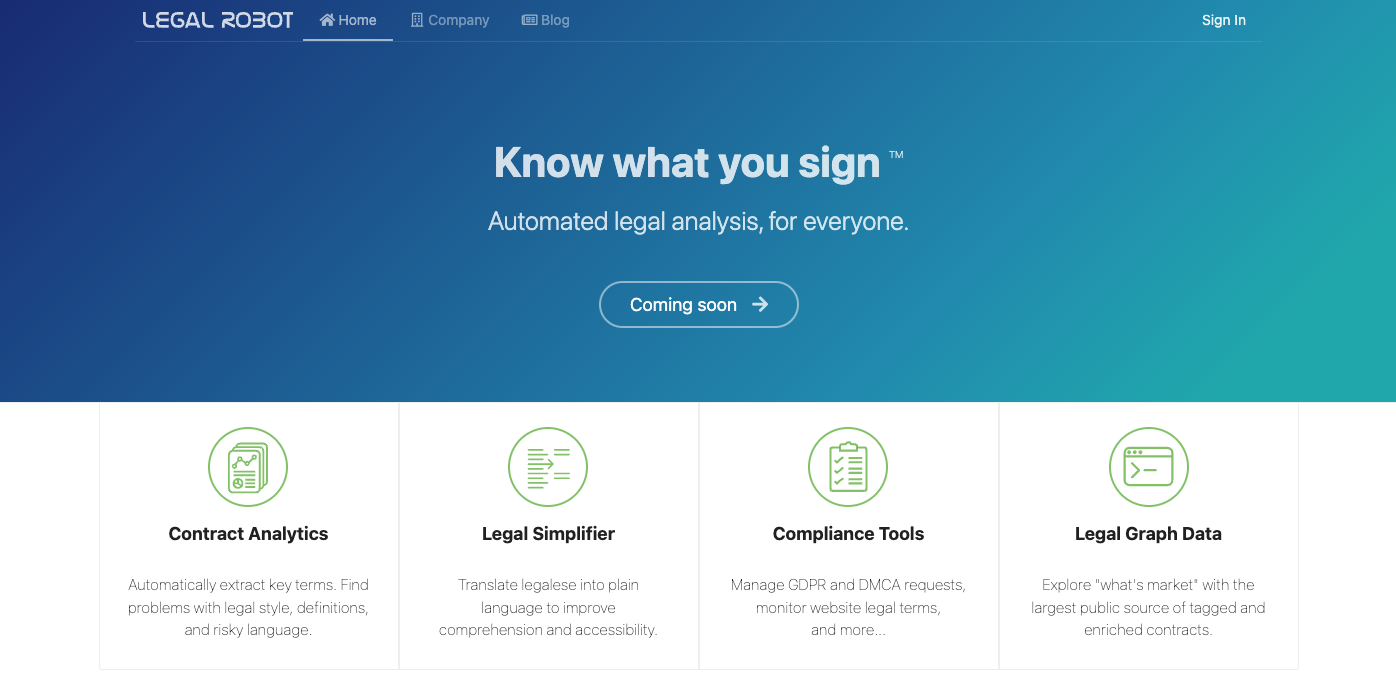
- Contract Analytics: Automatically extracts key terms and flags risky language in agreements.
- Legal Simplifier: Transforms complex legalese into clear, everyday language.
- Compliance Tools: Manages GDPR requests and monitors website legal terms for issues.
- Legal Graph: Provides access to tagged contract database for comparing market standards.
Our take
The AI’s ability to highlight potential contract pitfalls proved remarkably accurate in our testing. We found the plain language translations genuinely helpful, making complicated legal documents accessible even to those without legal training.4. AI Lawyer

Key features
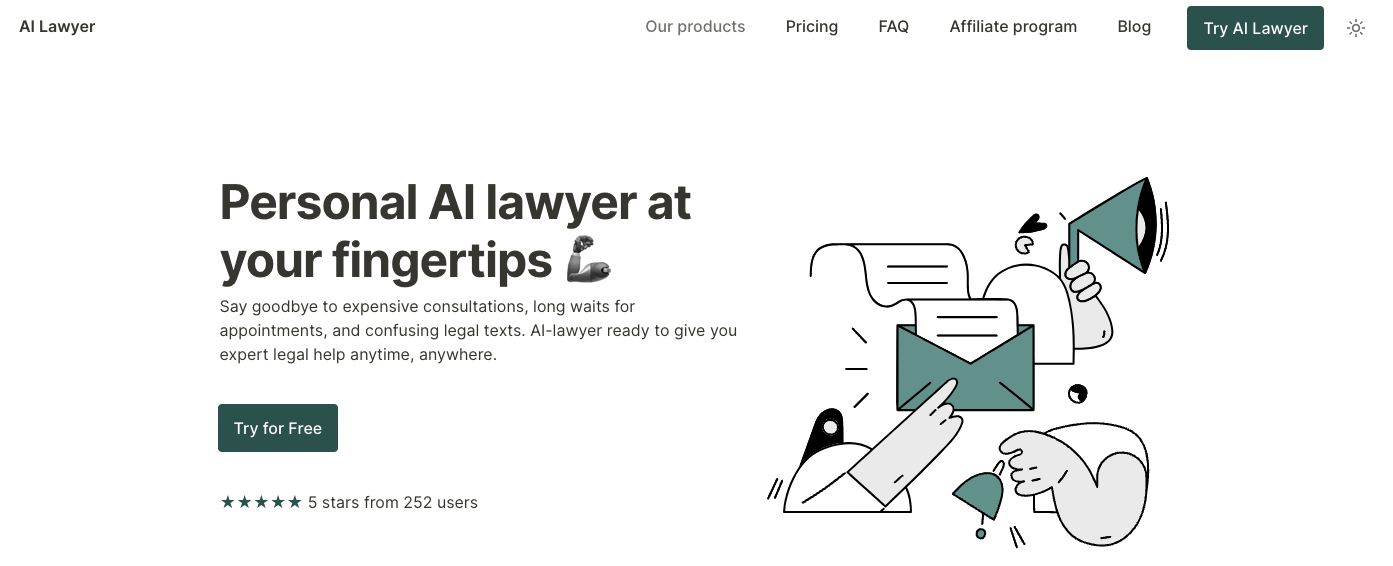
- Instant research: Scans legal databases to answer complex questions in seconds, saving hours of manual research time.
- Document handling: Summarizes agreements, converts images to text, and translates legal documents with remarkable speed and accuracy.
- Legal drafting: Creates customized contracts, demand letters, and cease-and-desist notices based on your specific requirements.
- Virtual assistant: Answers legal questions 24/7, schedules appointments, and explains legal processes in plain language.
Our take
The document comparison feature caught several critical discrepancies between contracts that we would have missed during review. We found the AI remarkably effective at simplifying complex legal jargon into understandable language, making it valuable for both legal professionals and everyday users.5. Latch

Key features
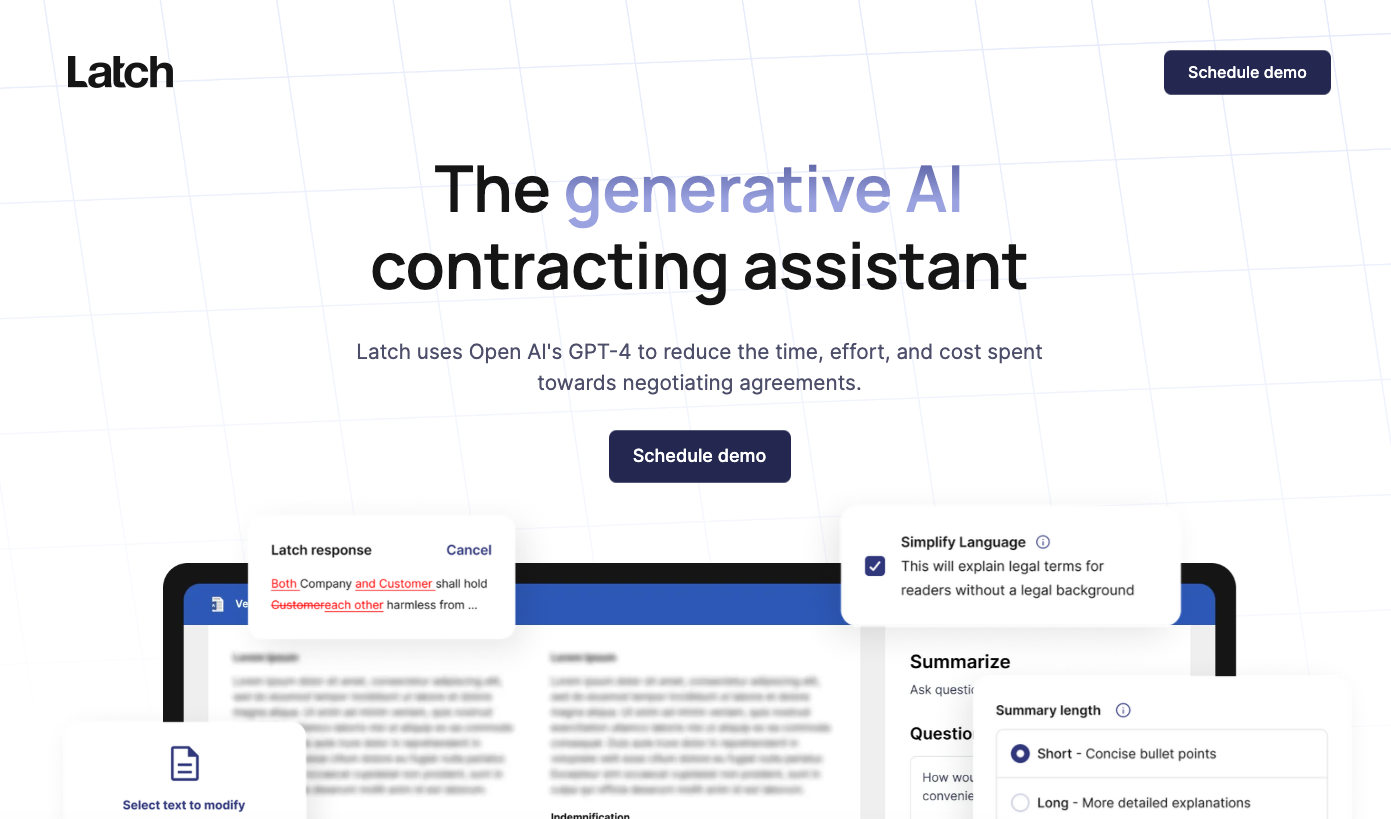
- Smart Analysis: Reviews contracts instantly, identifying key risks and obligations that would typically take hours to spot manually.
- Redline Magic: Generates alternative contract language that preserves counterparty intent while incorporating your legal position.
- Question Answering: Allows you to ask free-form questions about any clause or concept in the agreement and receive clear explanations.
- Word Integration: Works directly inside Microsoft Word, eliminating the need to switch between different platforms during contract review.
Our take
The ability to toggle between different AI-suggested compromise clauses gives Latch an edge over similar tools we’ve tested in complex negotiations. Its plain-language summaries of dense legal text have saved us significant time when explaining contract implications to non-legal stakeholders.6. One Law

Key features
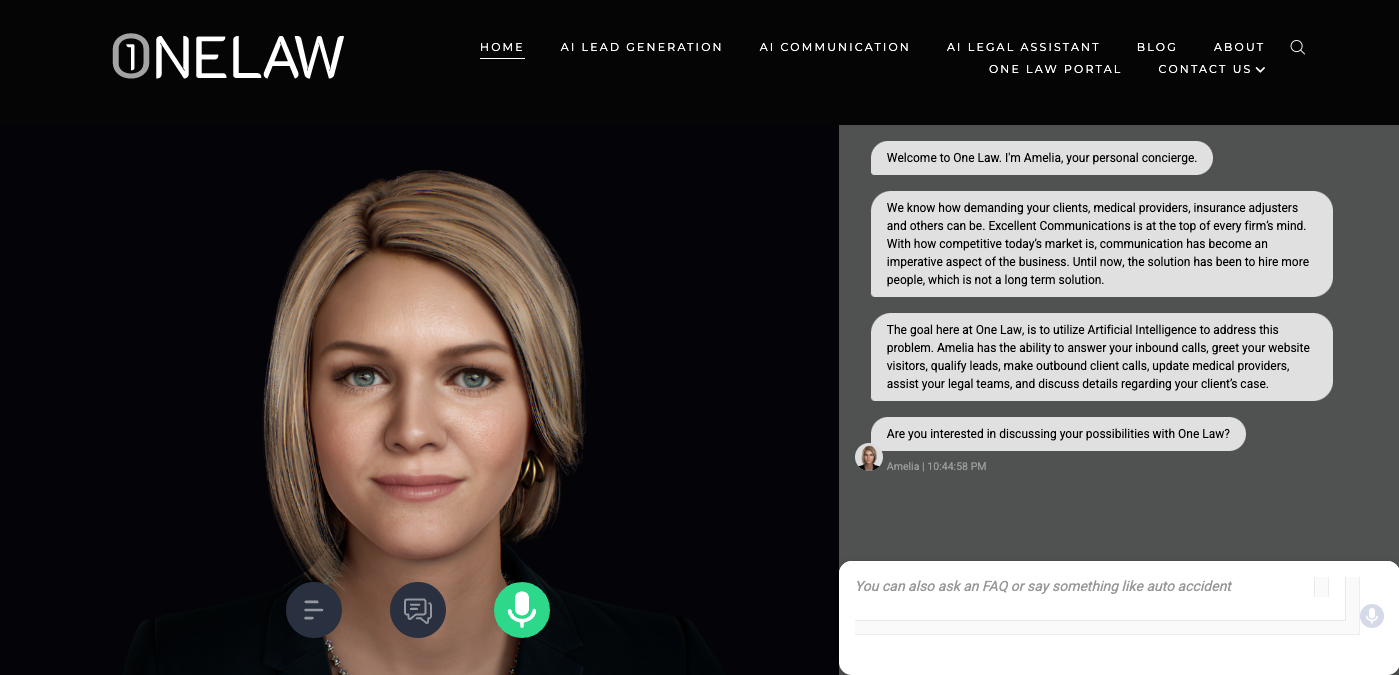
- Intelligent suggestions: The AI identifies missing clauses and tailors them to specific contract types as you draft.
- Real-time collaboration: Team members can edit, comment, and review contracts simultaneously without version confusion.
- Document analysis: The system automatically extracts key terms, deadlines, and obligations from existing contracts.
- Automated workflow: Contract approvals follow customizable paths with automatic notifications for stakeholders.
Our take
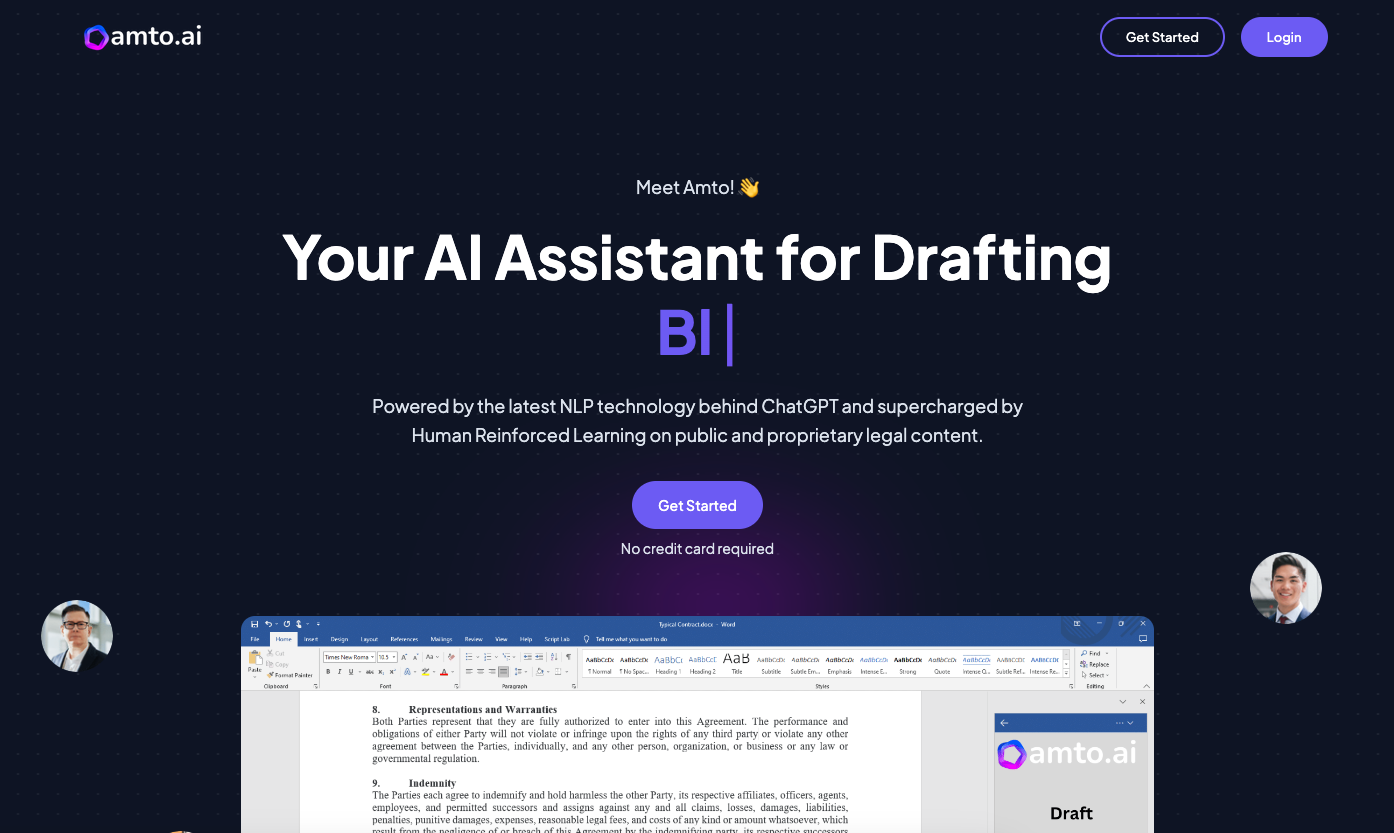
The intelligent clause suggestions saved us hours of checking previous contracts for standard language. The AI’s ability to learn from a firm’s contract history truly sets OneLaw apart from other legal tools we’ve tested.7. Amto

Key features
- AI Drafting: Creates legal documents using GPT-3 technology, saving hours of manual work.
- Privacy Compliance: Automatically identifies and redacts sensitive data to ensure regulatory requirements are met.
- Legal Research: Generates comprehensive summaries and relevant citations from simple user queries.
- Smart Suggestions: Flags risky terms and offers clearer language options to improve document quality.
Our take
The way Amto adapts to your writing style for consistent document preparation impressed us, especially when drafting complex immigration documents. We found that its ability to automate repetitive tasks while still providing appropriate oversight strikes the perfect balance for legal professionals who need efficiency without compromising accuracy.Frequently Asked Questions
Can AI Legal Assistants Replace Human Lawyers?
While AI legal assistants can streamline many legal tasks, they can’t fully replace human lawyers. They lack the ability to understand the unique circumstances of each case, make ethical decisions, or provide the human touch that clients often need. Lawyers still play an essential role in providing legal advice, representing clients, and making strategic decisions.
Are AI Legal Assistants Accurate?
AI legal assistants are designed to provide accurate and reliable assistance. However, like any tool, their accuracy largely depends on the input they receive. Lawyers should always review and verify the output from an AI legal assistant to ensure its accuracy.
How Do AI Legal Assistants Improve Efficiency?
AI legal assistants can automate many repetitive tasks that lawyers often handle, such as document drafting and legal research. This allows lawyers to focus on more complex tasks that require their expertise. The result is a more efficient workflow that can save lawyers time and resources.