Updated January 27, 2026
AI Video Translators allow you to effortlessly translate videos to a different language, truly opening up possibilities to reach a wider audience. After comprehensive testing of 21 options, we are excited to present the top 7 AI Video Translators.
Best AI Video Translators
How We Chose
Five things separate a great AI video translator from the rest:- Translation accuracy — delivers translations without losing context.
- Broad language support — the more languages it supports, the wider your reach.
- User-friendly interface — easy to use, even for beginners.
- Fast processing speed — quick turnaround keeps your workflow efficient.
- Quality preservation — maintains the video’s original quality throughout.
1. HeyGen
Key features
- Multi-speaker detection: Automatically assigns unique voices to each person in your video
- Realistic lip-sync: Matches mouth movements to translated words convincingly
- Voice cloning: Creates an AI copy of your voice that speaks in 25+ languages
- Quick processing: Transforms videos in minutes instead of hours of manual work
Our take
The avatars look surprisingly real, though lip movements occasionally feel slightly off-sync when examined closely. The multi-speaker feature handles interviews flawlessly, saving massive time compared to other translation tools we’ve tried.2. Rask
Key features
- Voice cloning: Maintains your original voice across 28 languages including English, Spanish, French, and Hindi
- Lip sync: Perfectly matches translated audio with lip movements for realistic viewing experience
- Multi-speaker detection: Identifies different speakers in videos and assigns unique voices to each automatically
- Content shorts: Auto-generates social media clips from longer videos for platforms like YouTube, Instagram, and TikTok
Our take
The lip-sync feature creates the most natural-looking dubbed videos we’ve seen in any translation tool. We were impressed by how the voice cloning preserved our vocal tone while speaking languages we don’t actually know.3. Veed.io

Key features
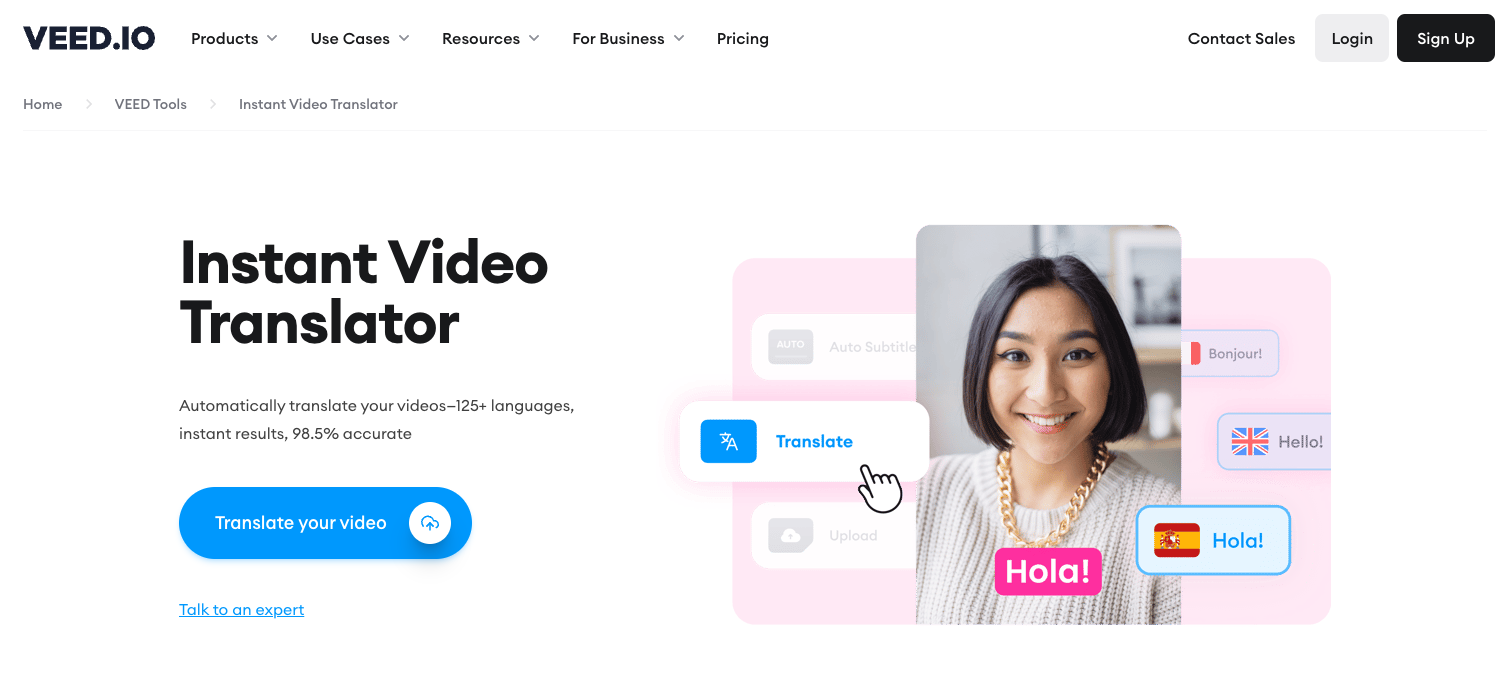
- AI Generator: Transforms text prompts into complete videos with customizable scripts, backgrounds, and voiceovers
- Voice Cloning: Replicates voices in multiple accents and languages including US, British, Canadian, Nigerian, and Australian English
- Auto Subtitles: Transcribes audio with 98.5% accuracy and translates subtitles instantly for global reach
- Contextual Translation: Delivers more accurate and relevant translations than basic tools like Google Translate for polished, localized videos
Our take
The AI-generated videos impressed us with their lifelike avatars and surprisingly coherent scripts, though we noticed some visual glitches when modifying backgrounds that occasionally cut off parts of the avatar. What really stands out is how seamlessly the tool integrates multiple AI functions — from video generation to translation to voice cloning — into one intuitive interface.4. Kapwing

Key features
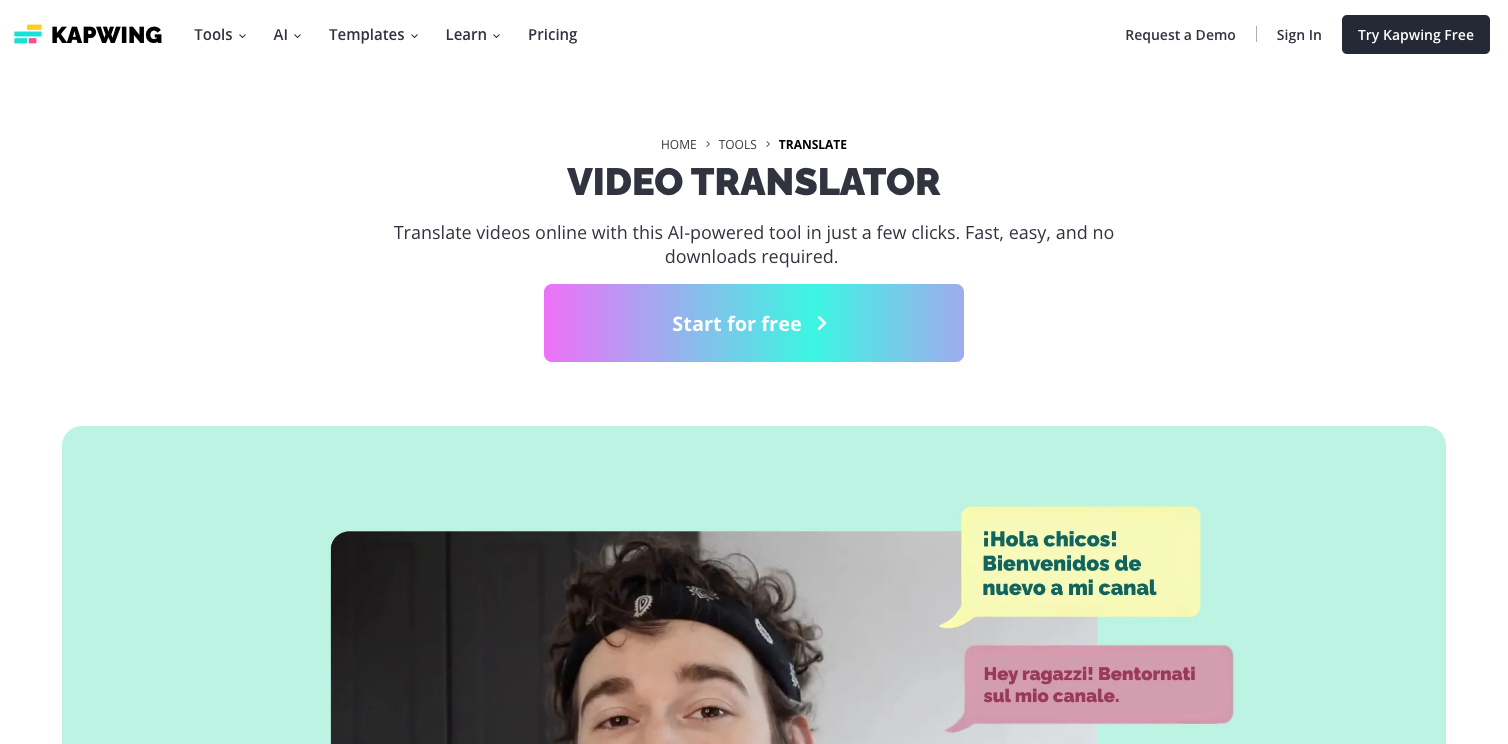
- Auto Translation: Instantly translates video content into 70+ languages with highly accurate, context-aware results
- Voice Cloning: Creates natural-sounding translated audio using AI voices or by cloning the original speaker’s voice for authentic-sounding dubs
- Side-by-side Editing: Shows original transcript and translation together, making it easy to review and manually adjust translations
- Smart Integration: Auto-detects original language and maintains video quality after translation, eliminating guesswork during the process
Our take
The voice cloning feature truly sets Kapwing apart, as translated videos maintain the original speaker’s voice characteristics even in different languages. The collaborative workspace makes getting feedback on translations super smooth, especially when working with native speakers for verification.5. Nova A.I.

Key features
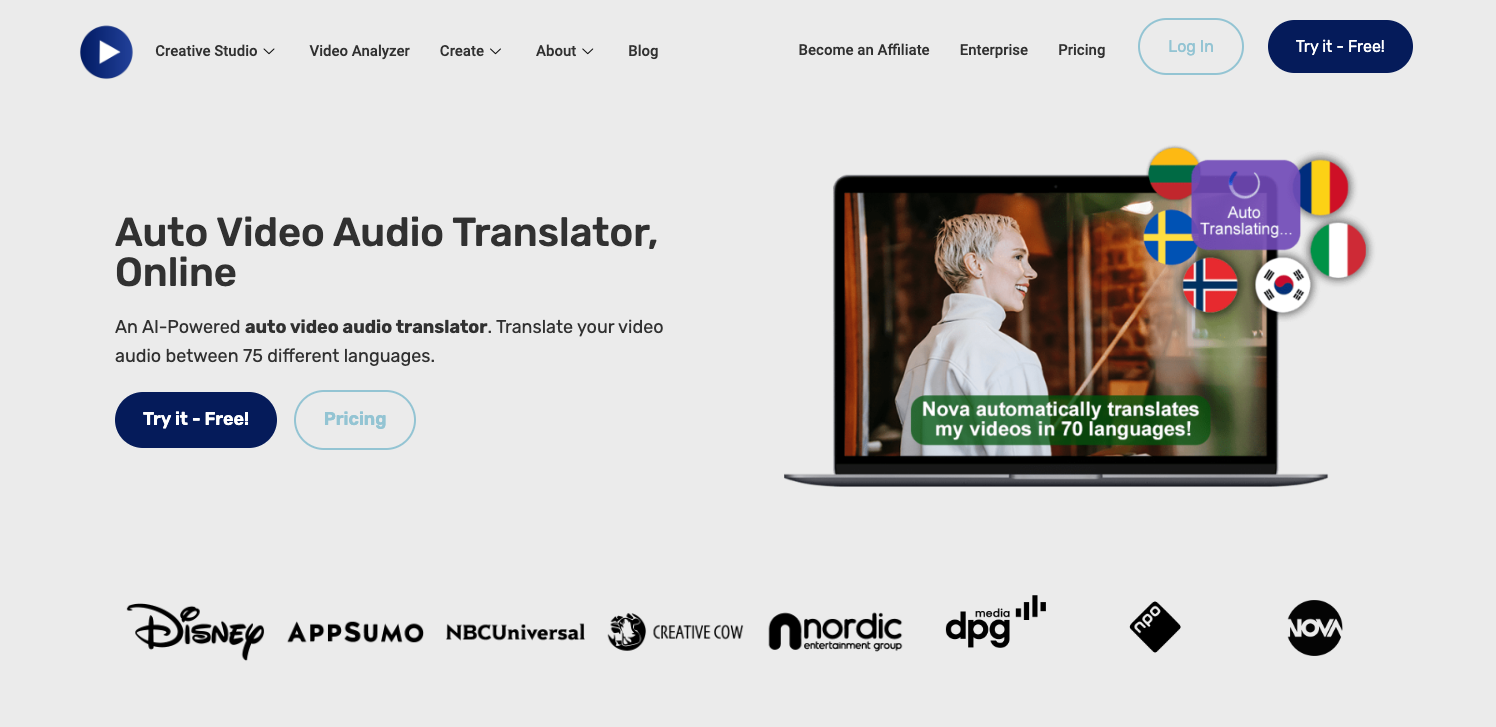
- Global Reach: Translates videos into 75+ languages with approximately 97% accuracy
- Instant Dubbing: Creates natural-sounding voiceovers that maintain the original speaker’s tone and pace
- Custom Captions: Generates and embeds subtitles with adjustable styles, fonts and positions
- Smart Search: Finds specific words in videos to create targeted clips in multiple languages
Our take
The translated videos maintained natural speech patterns while perfectly syncing with the original footage. The three-click translation process produced professional multilingual content in minutes, a significant improvement over other translation tools we tested.6. Wavel AI

Key features
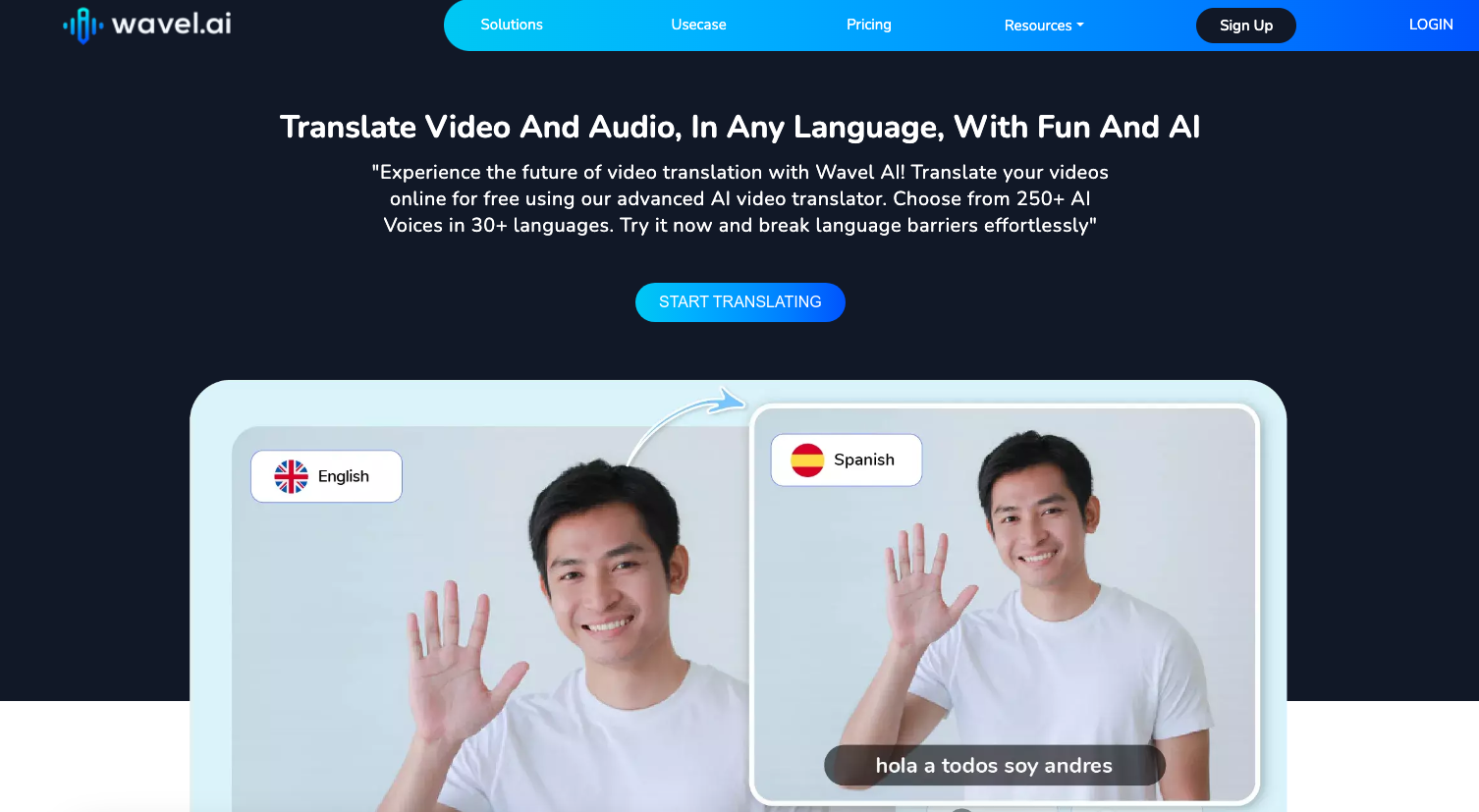
- Voice Cloning: Creates realistic replicas of original voices while preserving emotions and expressions
- Lip Sync: Offers accurate lip synchronization for dubbed videos, making translations look natural
- Multi-Speaker Support: Handles videos with multiple speakers and identifies each speaker automatically
- YouTube Integration: Translates YouTube videos directly using just the link, streamlining the workflow
Our take
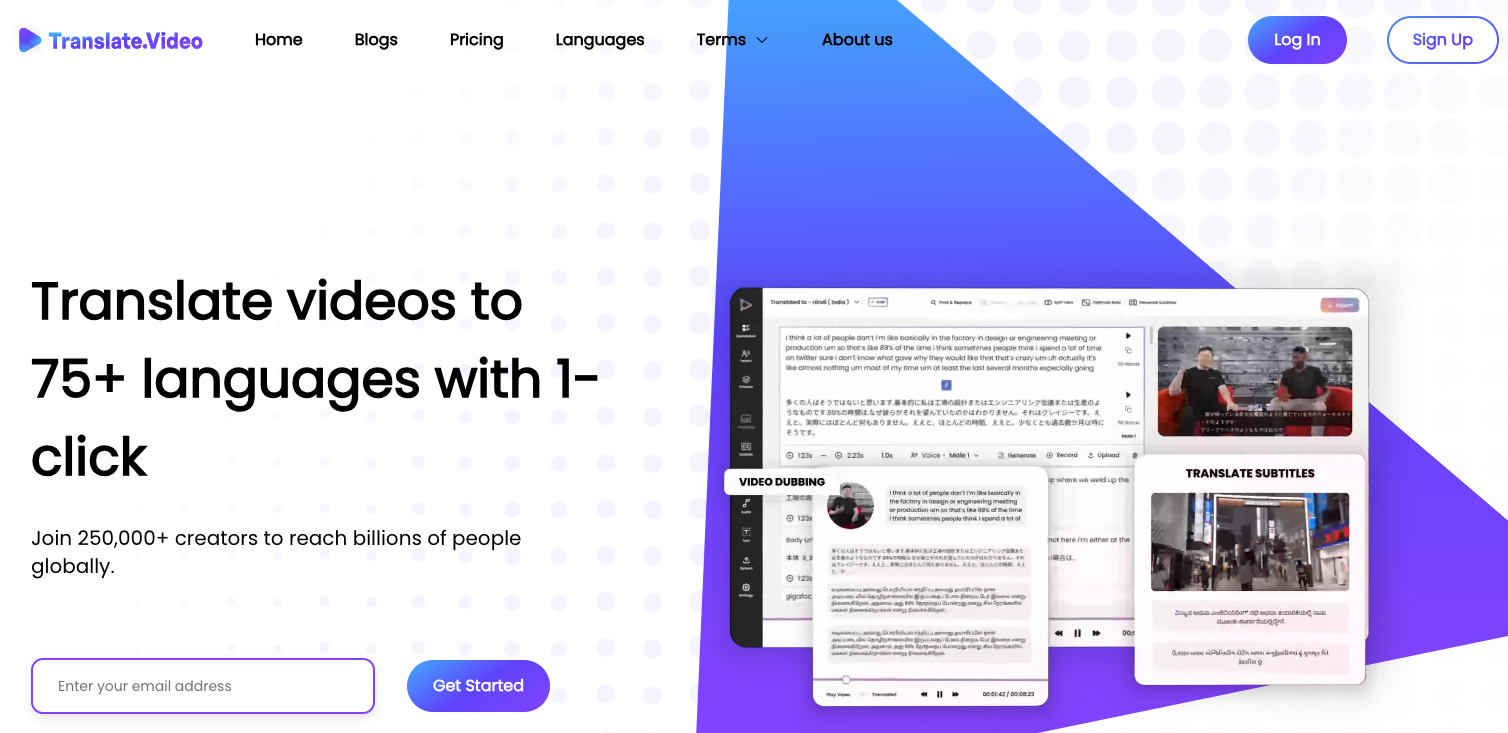
The voice cloning feature produces remarkably natural-sounding translations that maintain the original speaker’s tone and inflections. The lip sync accuracy stands out compared to other tools, making translated videos appear as if they were originally recorded in the target language.7. Translate.Video

Key features
- Instant translation: Converts videos into 50+ languages while preserving the original tone and context
- Advanced lip-sync: Adjusts facial movements to match translated audio for a natural viewing experience
- Voice cloning: Replicates the original speaker’s voice characteristics in the target language
- Multi-speaker support: Identifies and appropriately translates different speakers in the same video
Our take
The accuracy of Translate.Video’s speech recognition even with background noise is impressive compared to competitors we’ve tested. The interface is intuitive, with a drag-and-drop design that makes translating complex videos surprisingly easy.Frequently Asked Questions
Can I translate a video in any language?
Yes, most AI video translators support a wide range of languages. However, the number can vary from one tool to another.
How accurate are AI video translators?
While AI technology has significantly improved, there might still be some minor errors or nuances lost in translation. However, most tools offer around 95-98% accuracy.
Can I customize the subtitles?
Yes, many AI video translators allow you to customize your subtitles, including changing the font, size, color, and position.
Do all video translators support real-time translation?
No, not all tools offer real-time translation. This feature is more commonly found in AI-powered tools designed for live broadcasts or webinars.