

What is ChatGPT?
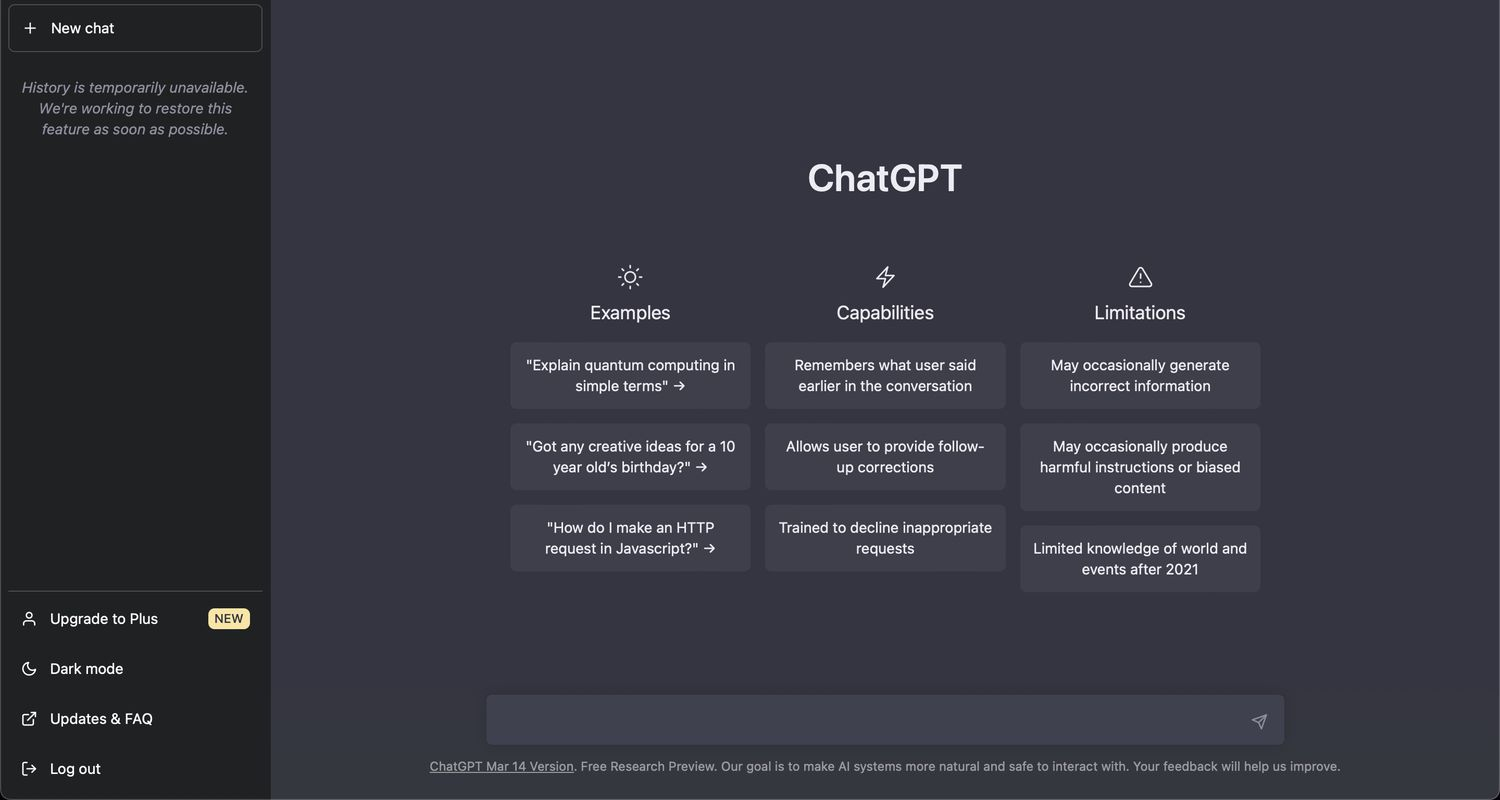
How Can You Access ChatGPT?
ChatGPT can be accessed through the following methods:Web Browser:
- Visit the ChatGPT website at chat.openai.com.
- Sign up for an account using your email address, Google, or Microsoft account, and verify it with a valid phone number.
- Log in after signing up to interact with ChatGPT.
Mobile App:
- iOS users can download the ChatGPT app from the Apple App Store.
- Android users can download the ChatGPT app from the Google Play Store (availability may vary based on updates).
- Open the app and log in or sign up to start using ChatGPT on your mobile device.
API Access:
- Developers can access the underlying models of ChatGPT, GPT-3 and GPT-4, via the OpenAI API. This allows for integration into different applications.
How Do You Use ChatGPT?
ChatGPT is easy to use. Here’s a brief guide on how to utilize it effectively:- Starting a Conversation: Log in, type your question or message into the prompt window, and hit enter or the send button. ChatGPT will generate a response.
- Using Advanced Features: ChatGPT offers features like file uploads for analysis, code interpreter plugins for programming, and in some versions, internet browsing.
- File Upload: Upload text-based files (e.g., Excel, Word) for tasks like data analysis or editing with the Code Interpreter feature.
- Code Interpreter: Allows ChatGPT to understand and execute code, useful for debugging, coding, or learning programming.
- GPT Store and Plugins: Enhance ChatGPT’s capabilities with specialized data analysis or service connections using the GPT store or plugins.
- Settings: Personalize your ChatGPT experience by adjusting settings, such as turning off chat history or enabling beta features like the Code Interpreter.
How Much Does ChatGPT Cost?
ChatGPT offers various pricing plans:- Free Version: Unlimited access and use of GPT-3.5 on web, iOS, and Android.
- ChatGPT Plus: At $20/month, includes GPT-4 access, browsing, creating, and using GPTs, extra tools like DALL·E, advanced data analysis, and more. For individuals.
- Team Plan: For teams, at 30/month (monthly), includes higher message caps on GPT-4 and tools, workspace creation and sharing, and an admin console. Training is not used by default.
- Enterprise Plan: For scaling companies. Includes unlimited, high-speed access to GPT-4 and tools, expanded context window, SAML SSO, and custom data retention. Contact sales for pricing.
What Are the Limitations of ChatGPT?
ChatGPT has multiple limitations:- Hallucinations: ChatGPT may generate plausible but inaccurate or nonsensical information, as it doesn’t verify the factual accuracy of its output.
- Limited Knowledge: ChatGPT’s training data only includes information up to specific dates, so it lacks updates beyond these.
- Structured Content Challenges: It struggles with generating coherent, long-form content with a specific structure.
- Biased Responses: As its training data comes from the internet, it may reflect biases found in these sources.
- No Emotional Intelligence: ChatGPT lacks genuine emotional intelligence and can’t respond appropriately to complex emotional situations.
What Are the Best Alternatives to ChatGPT?
The top three alternatives to ChatGPT include: For more details and other alternatives, refer to our article on the best AI chatbots in 2024.Frequently Asked Questions
What is ChatGPT?
What is ChatGPT?
ChatGPT, developed by OpenAI, is a chatbot that uses AI to comprehend and generate human-like text based on the input it receives. Built on the Generative Pre-trained Transformer (GPT) architecture, it can perform a broad spectrum of text generation and comprehension tasks.
How do I access ChatGPT?
How do I access ChatGPT?
Access ChatGPT by visiting chat.openai.com. To use ChatGPT, you need to create a free account with OpenAI. Developers can integrate ChatGPT into their applications via API.
Is ChatGPT free to use?
Is ChatGPT free to use?
ChatGPT offers a free version for all users. For those needing advanced features, faster response times, and priority access to updates, OpenAI provides a premium subscription called ChatGPT Plus.
Can ChatGPT write code?
Can ChatGPT write code?
ChatGPT can help write code in various programming languages. It can generate code snippets, debug, and explain code concepts. However, users should review and test any code generated by ChatGPT for accuracy.
How can I improve the accuracy of ChatGPT's responses?
How can I improve the accuracy of ChatGPT's responses?
Enhance the accuracy of ChatGPT’s responses by providing clear and detailed prompts. Context and specific action words can guide ChatGPT to deliver more accurate and relevant answers. Experimenting with different prompts and refining them based on results can also be beneficial.
What are the limitations of ChatGPT?
What are the limitations of ChatGPT?
ChatGPT has some limitations. It can generate responses based on outdated information, produce biased or inaccurate content, and occasionally create plausible but false information. Users should therefore verify the accuracy of critical information provided by ChatGPT.