Updated July 12, 2026
Claude cheat sheets now cover several different needs: choosing the right Claude surface, writing better prompts, controlling usage costs, or learning the wider Claude ecosystem. This ranking prioritizes what readers can use today: practical value, clarity, currentness, and format. Popularity helped identify candidates, but it does not determine the final order.

Best Claude Cheat Sheets

Claude AI Cheat Sheet 2026

April 2026By Hamza KhalidSocial infographic
Best overall. It is the clearest single visual overview of Claude’s main products, features, prompting ideas, and extensions.
The sheet maps Claude chat, Projects, Artifacts, Skills, MCP, Claude Code, and common prompting patterns onto one large visual. It works best as an orientation map: use it to understand what Claude can do, then follow the linked product documentation for exact setup details.
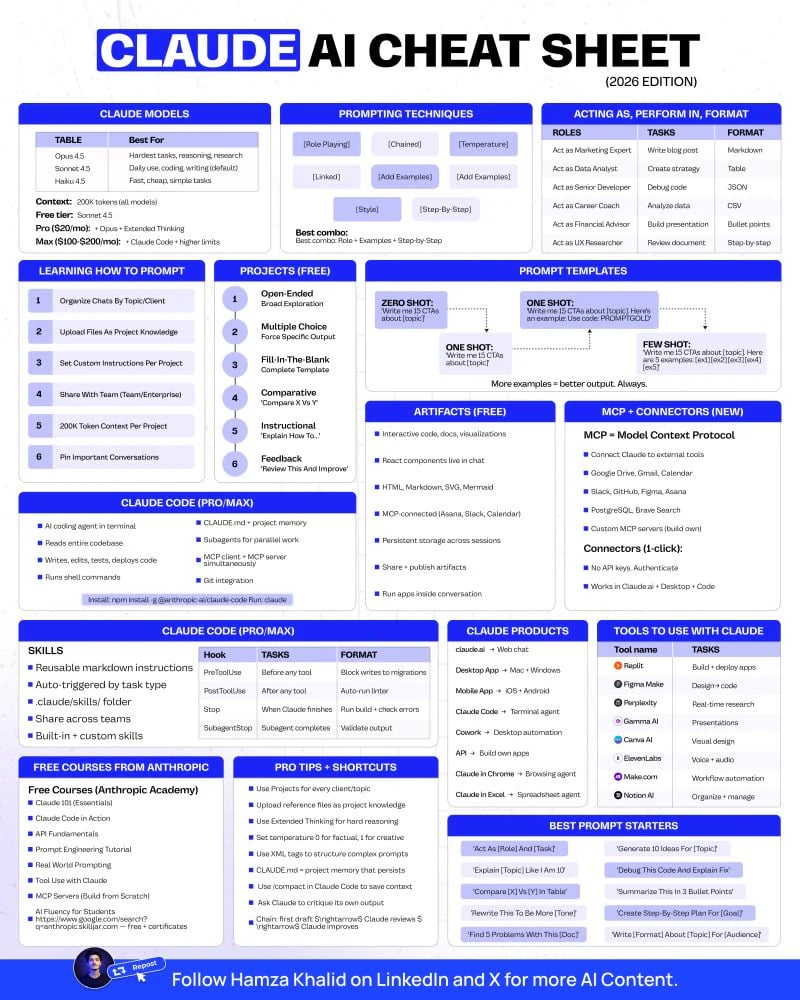
Claude AI Cheat Sheet 2026 by Hamza Khalid

Claude AI Cheat Sheet 2026 - claude features at a glance.
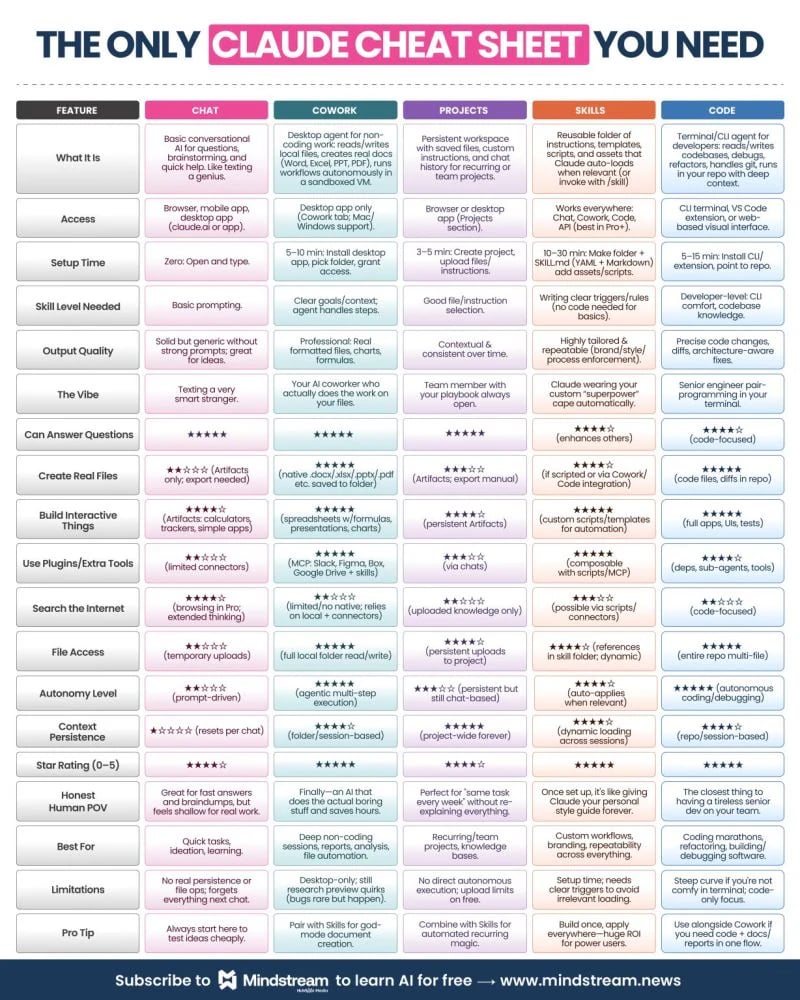
The Only Claude Cheat Sheet You Need

April 2026By Learn LeadershipSocial infographic
Best product chooser. It explains when to use Chat, Projects, Skills, Cowork, or Claude Code without burying the distinction in a long guide.
This compact comparison focuses on the job each Claude surface is designed to handle. It is especially useful for readers who know Claude as a chatbot but are unsure when persistent project context, reusable Skills, desktop work, or coding workflows become the better fit.
The Only Claude Cheat Sheet You Need by Learn Leadership

The Only Claude Cheat Sheet You Need - choosing the right Claude surface.

Claude Credit Optimization Cheat Sheet

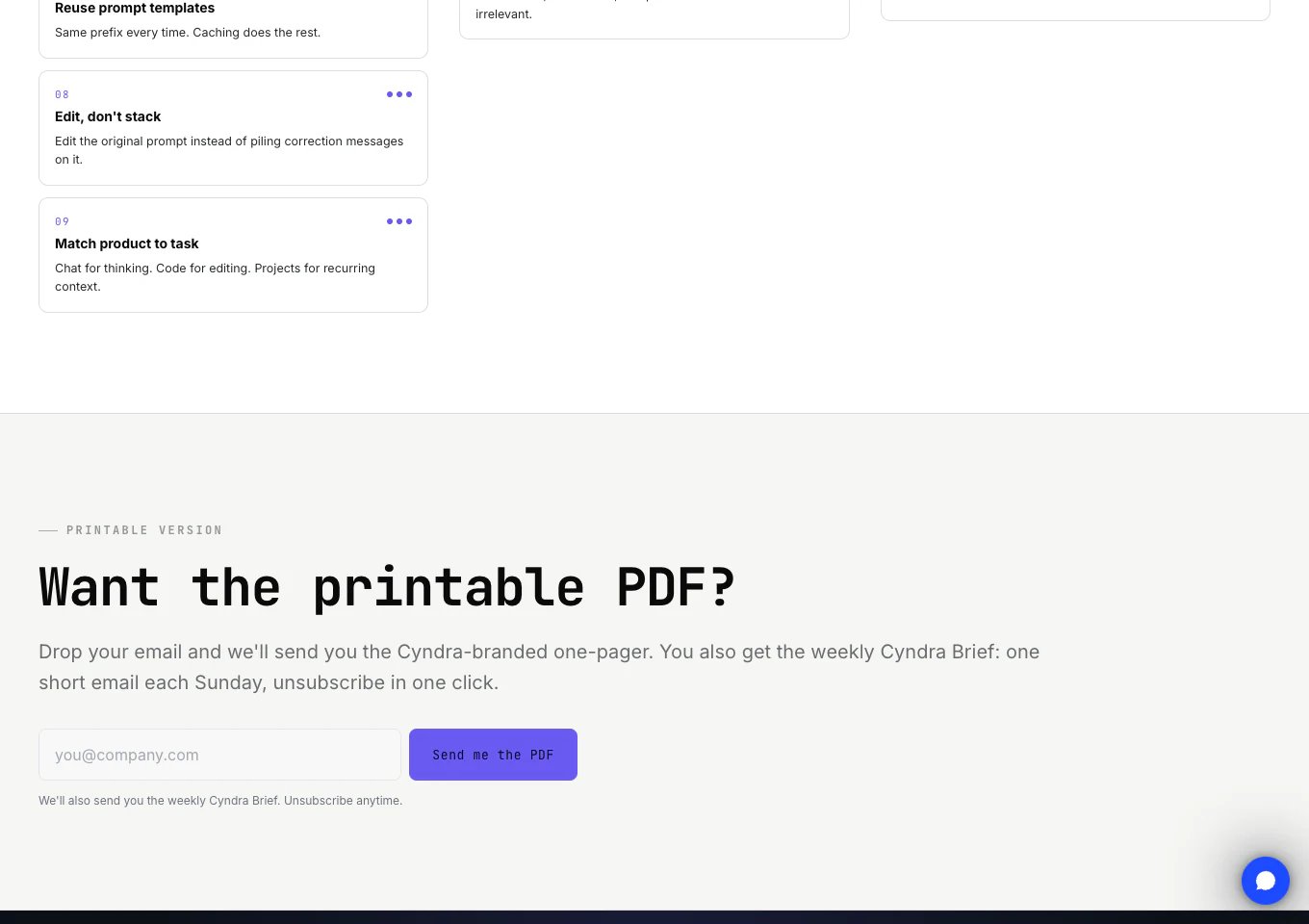
Current in 2026By CyndraWeb reference and printable PDF
Best specialist sheet. It turns an abstract concern about token use into concrete habits for keeping Claude sessions efficient.
Cyndra organizes its advice around context management, Projects, prompt structure, model choice, and Claude Code usage. The focus is narrower than the two general sheets above, but it is more actionable for people who use Claude heavily or run it inside repeated workflows.
Claude Credit Optimization Cheat Sheet by Cyndra

Claude Credit Optimization Cheat Sheet - reducing Claude usage costs.

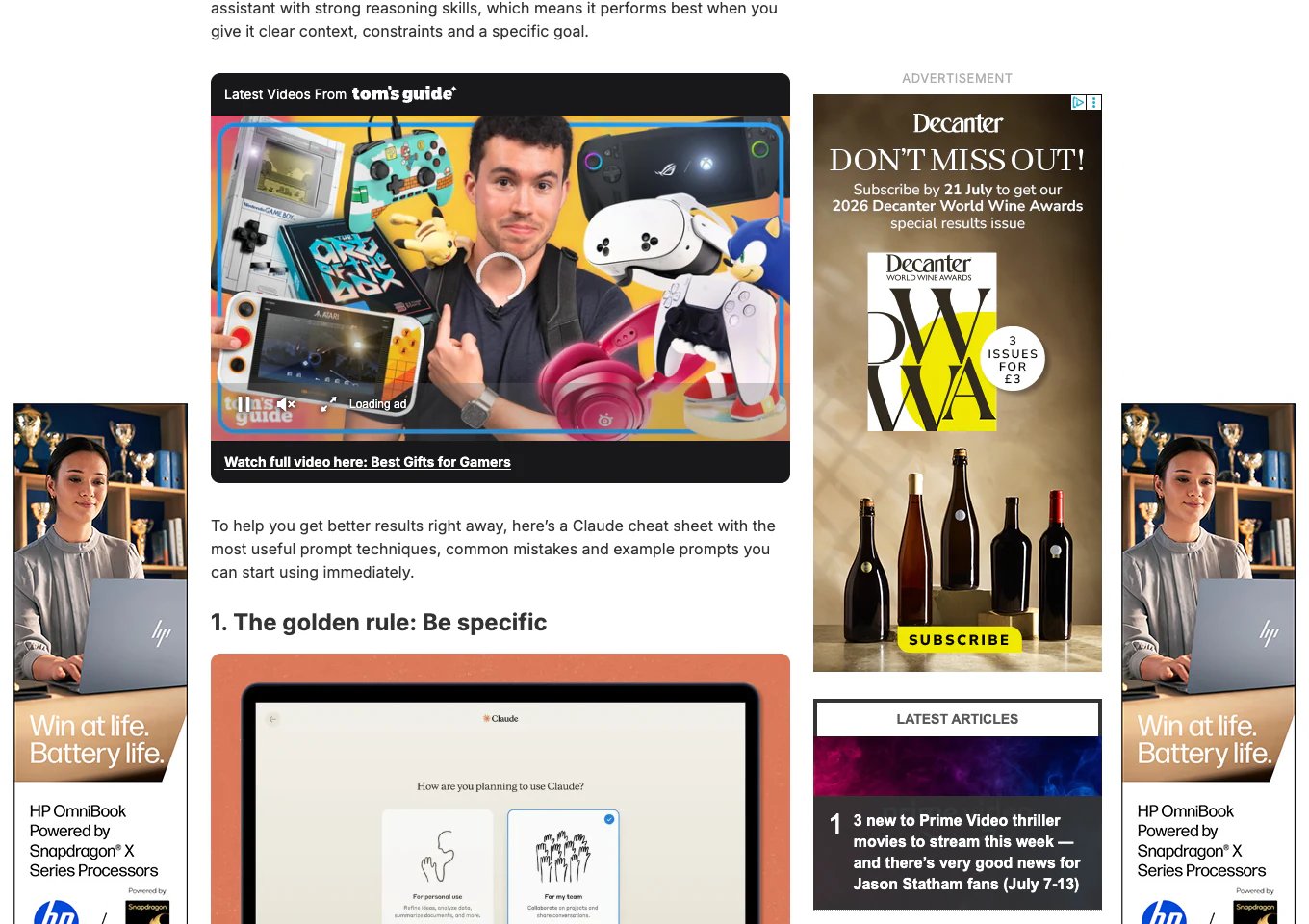
Claude Cheat Sheet: 10 Prompts

March 2026By Tom’s GuideWeb article
Best for worked prompts. It is more useful for immediate experimentation than for quick visual lookup.
The article provides ten prompts aimed at getting beyond generic chatbot responses, with examples for reasoning, writing, planning, and iterative work. It is a good starting point for readers who learn by trying complete prompts, although it behaves more like a tutorial than a conventional cheat sheet.
Claude Cheat Sheet: 10 Prompts by Tom's Guide

Claude Cheat Sheet: 10 Prompts - practical Claude prompts.

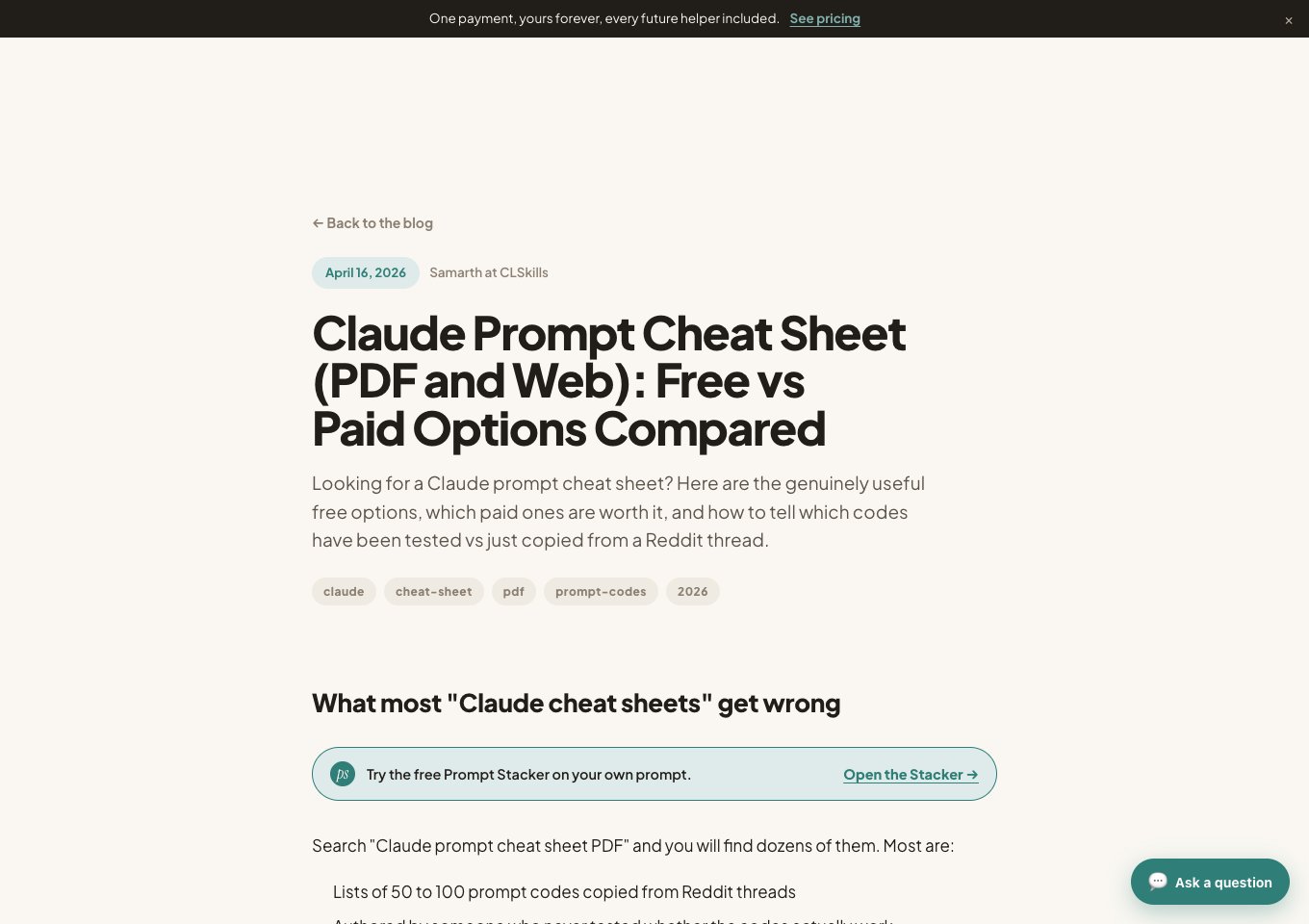
Claude Prompt Cheat Sheet

April 2026By Claude Skills HubWeb reference and PDF options
A useful prompt-focused reference, but less direct than the higher-ranked sheets and partly structured around downloadable options.
Claude Skills Hub collects reusable prompt codes, task patterns, and workflow suggestions in a web reference, then compares free and paid download formats. It is worth considering when prompting is your main need, but readers seeking a product overview or cost guidance will get more from the sheets above.
Claude Prompt Cheat Sheet by Claude Skills Hub

Claude Prompt Cheat Sheet - prompt codes and tactics.


Other Claude Cheat Sheets to Consider


Frequently Asked Questions

Hamza Khalid’s Claude AI Cheat Sheet is the best broad visual overview. Learn Leadership is better when your main question is which Claude product or surface to use, while Cyndra is the strongest specialist option for controlling usage costs.
Tom’s Guide is the strongest option for complete prompts you can try immediately. Claude Skills Hub offers a broader prompt reference, while the two top-ranked visual sheets are better for understanding Claude’s wider product surface.
Treat model names, pricing, interface steps, and feature availability as time-sensitive. Durable prompting ideas transfer well, but exact product instructions should be checked against Anthropic’s current documentation.
Cyndra and Claude Skills Hub offer printable options. The LinkedIn infographics can be saved for personal reference, while the original post should remain the source for attribution and context.