Updated
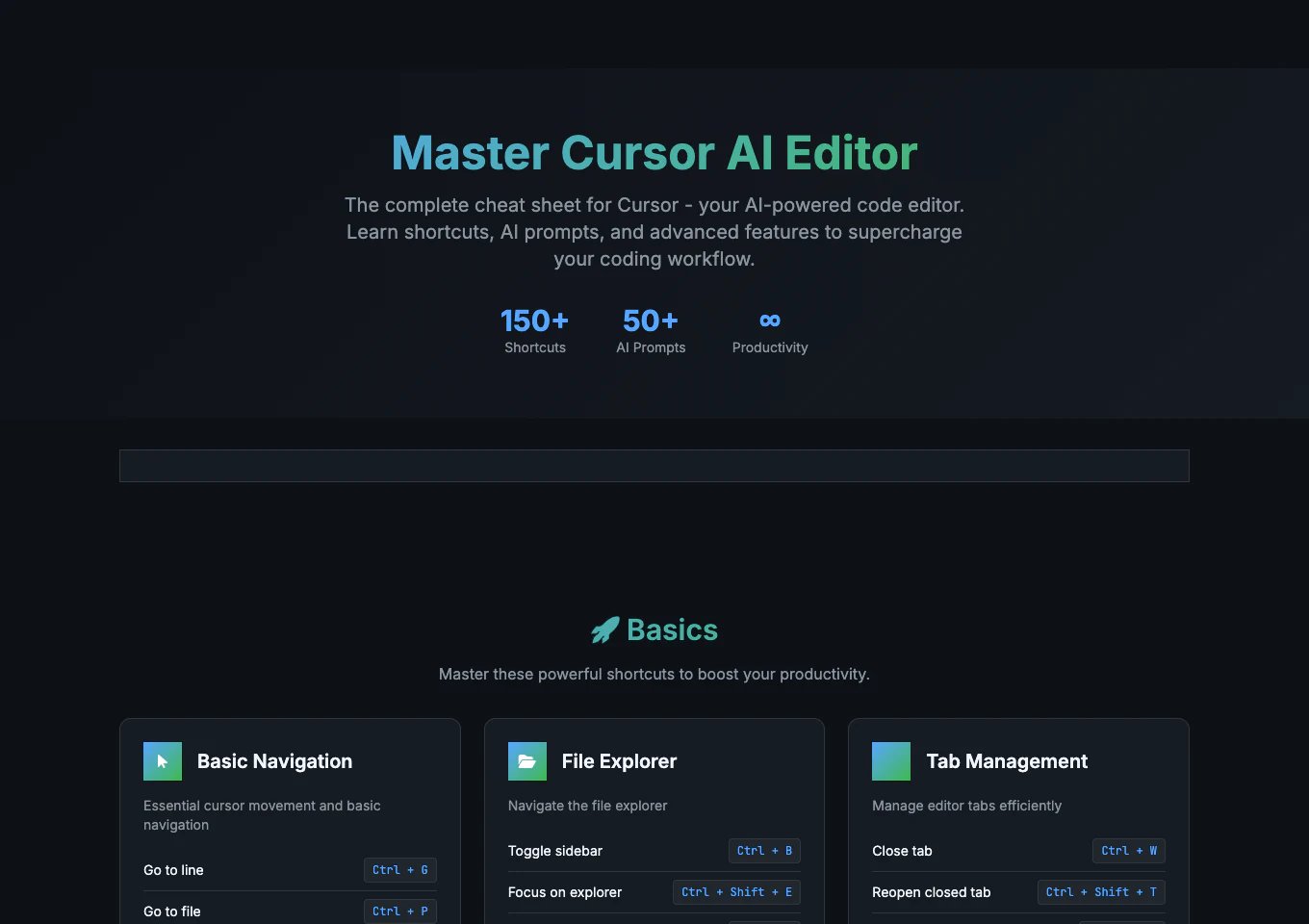
Cursor cheat sheets split into two useful groups: broad command directories and shorter guides focused on the AI controls people use every day. This ranking prioritizes what readers can use today: practical value, clarity, currentness, and format. Popularity helped identify candidates, but it does not determine the final order.

Best Cursor Cheat Sheets


Other Cursor Cheat Sheets to Consider


Frequently Asked Questions

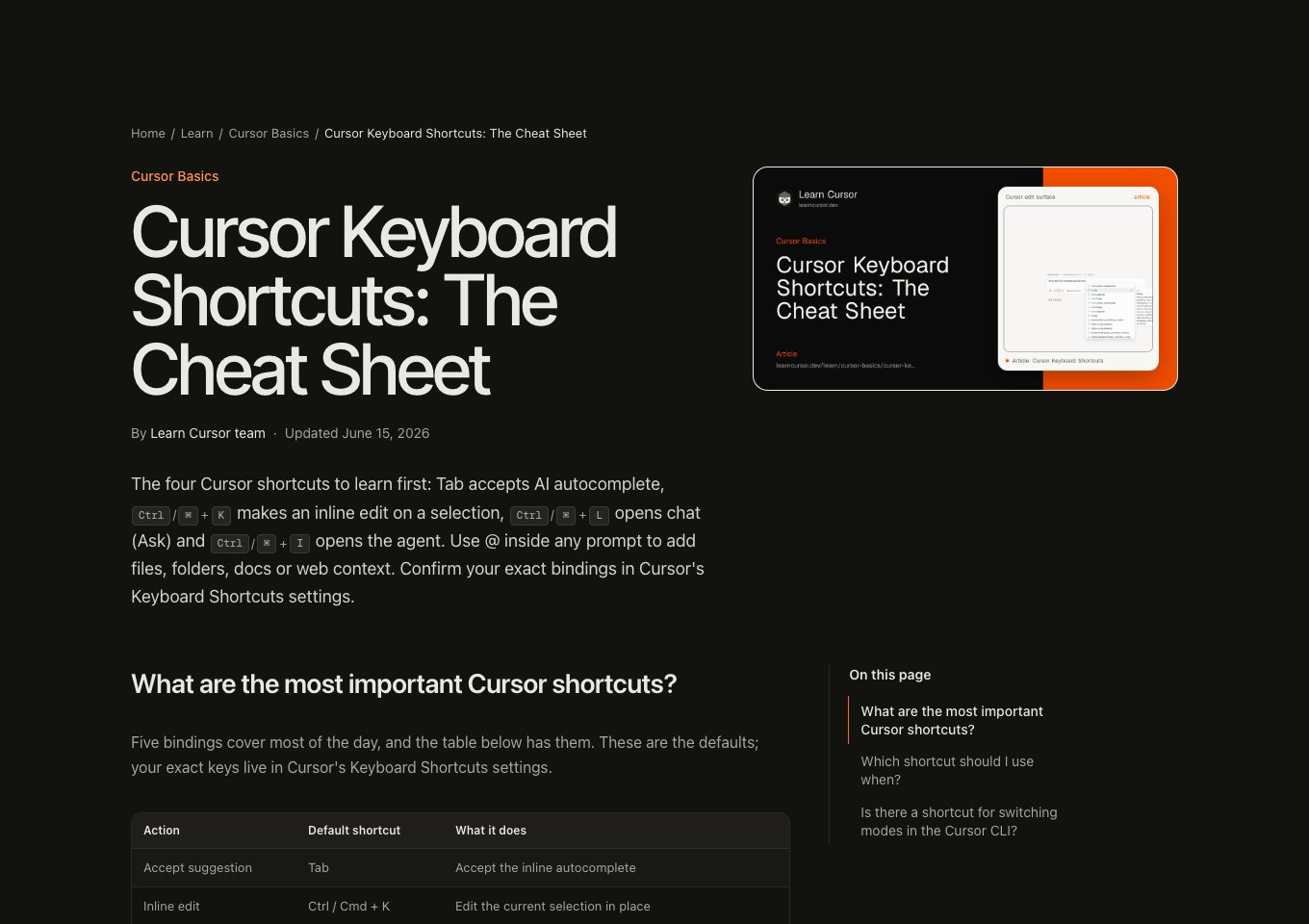
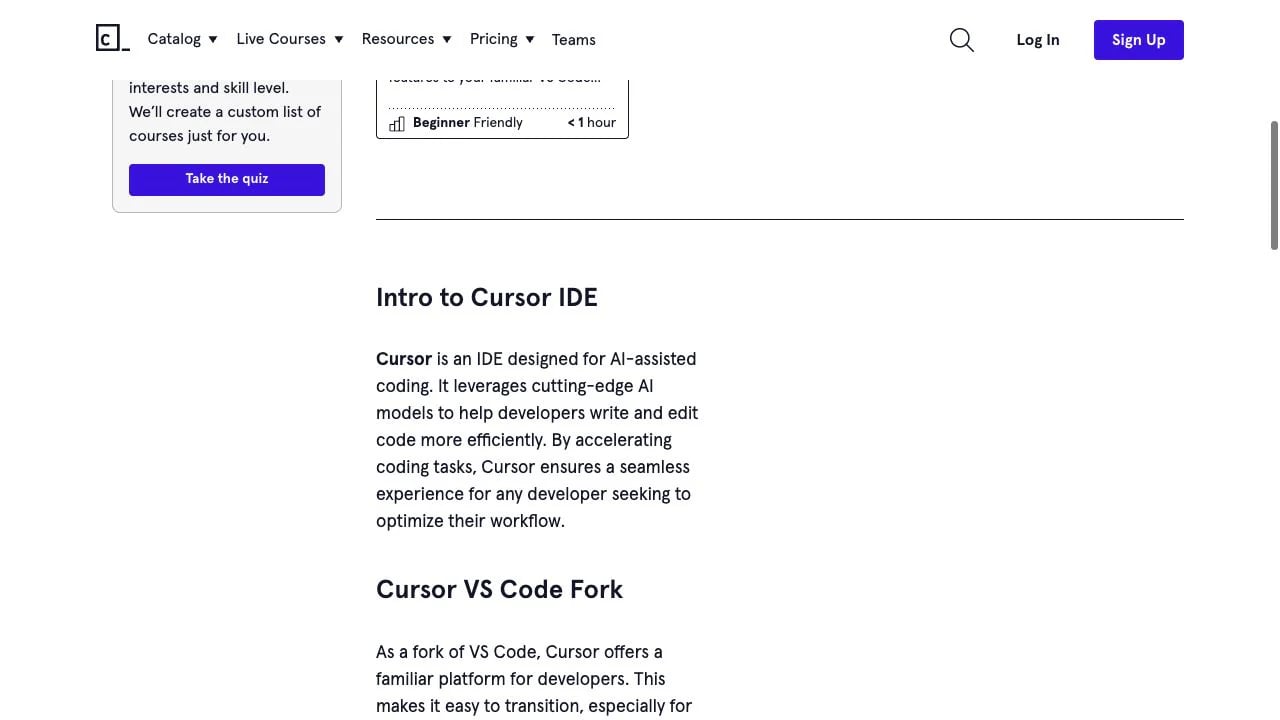
Toolsbase is the best broad command lookup. Learn Cursor is the better choice when you want a short list of essential keyboard controls, while Codecademy is the most approachable introduction for a new user.
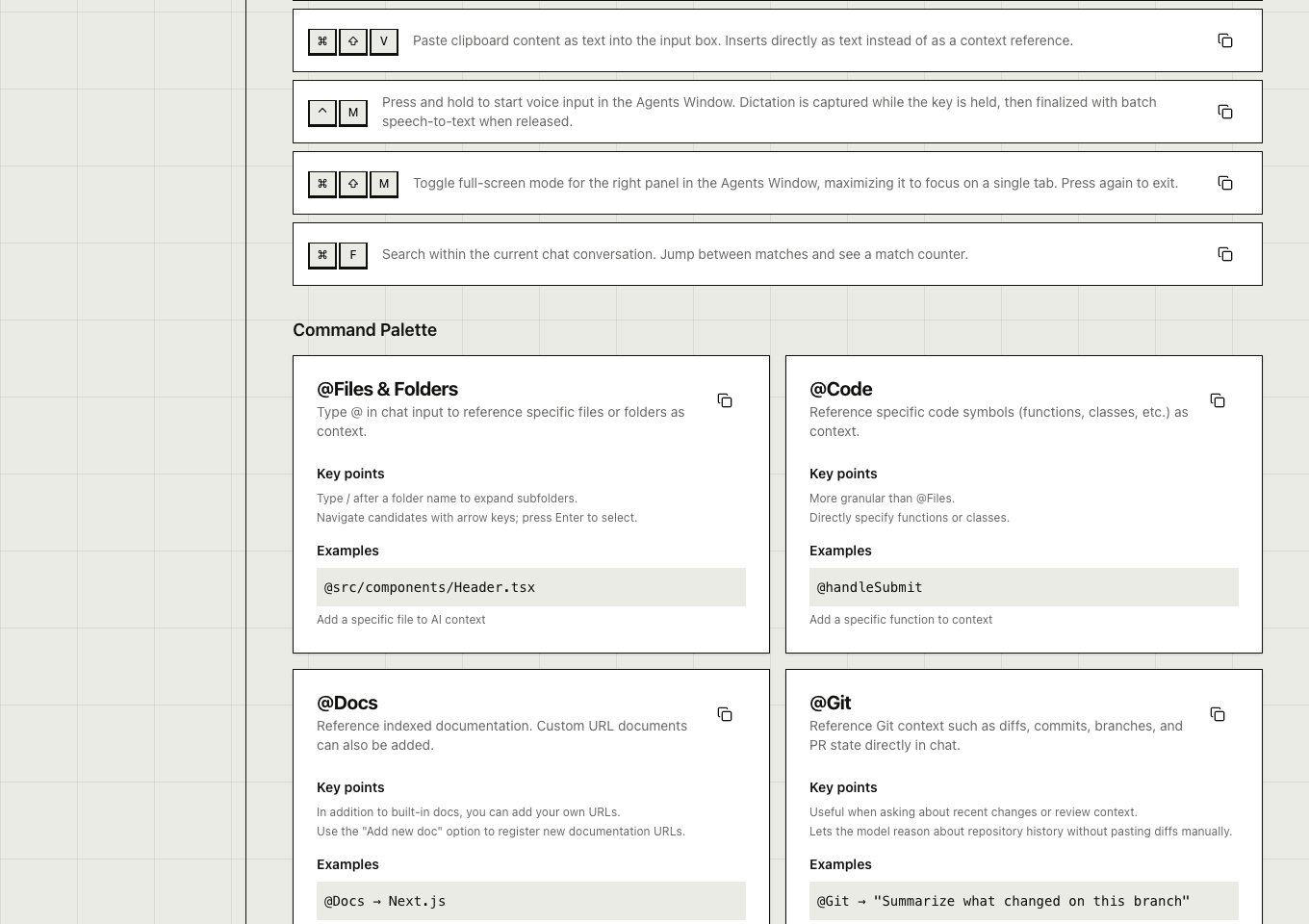
Toolsbase and MeshWorld provide the most useful coverage of Agent, files, folders, docs, rules, and project context. CursorCheatSheet.com adds more prompt examples but is less selective.
Many navigation and editing shortcuts carry over because Cursor is based on VS Code. The most valuable Cursor-specific references emphasize Tab completion, inline editing, Chat or Agent controls, context references, and rules.
Codecademy includes a print action, while the other highlighted options are primarily web references. Browser print mode can work for shorter pages, but searchable sites such as Toolsbase are more useful online.