Updated July 12, 2026
GitHub Copilot now spans IDE chat, coding agents, customization, and a separate CLI, so the strongest cheat sheets are specific about which surface they cover. This ranking prioritizes what readers can use today: practical value, clarity, currentness, and format. Popularity helped identify candidates, but it does not determine the final order.

Best GitHub Copilot Cheat Sheets

GitHub Copilot CLI Developer Cheatsheet

March 2026By Priyanka VergadiaArticle and downloadable infographic
Best overall. It is current, attributable, and unusually complete across the modern Copilot CLI surface.
Priyanka Vergadia covers command-line commands, slash commands, shortcuts, flags, permissions, environment variables, hooks, MCP, Skills, agents, and telemetry. The article adds explanation around the visual, making it useful both as a first guide and a later lookup reference.
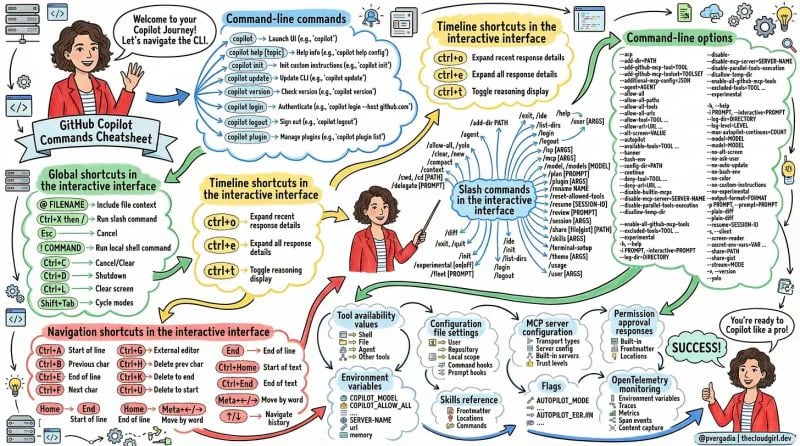
GitHub Copilot CLI Developer Cheatsheet by Priyanka Vergadia

GitHub Copilot CLI Developer Cheatsheet - copilot CLI commands and setup.
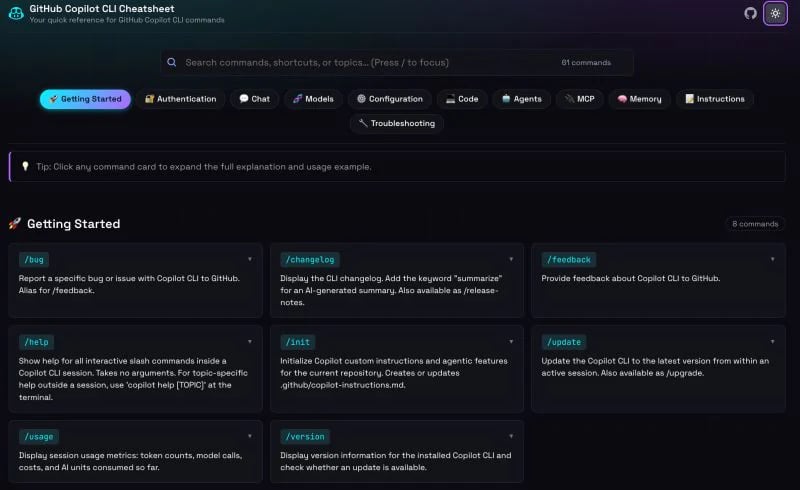
GitHub Copilot CLI Cheat Sheet

May 2026By Prasad HonraoInteractive web reference
Best fast CLI lookup. The searchable command interface is easier to use during terminal work than a large static poster.
Prasad Honrao’s reference organizes more than eighty Copilot CLI commands and options into a compact searchable interface. It is narrower than Priyanka Vergadia’s guide, but that focus makes it especially effective when you already use the CLI and need exact commands quickly.
GitHub Copilot CLI Cheat Sheet by Prasad Honrao

GitHub Copilot CLI Cheat Sheet - interactive CLI command lookup.

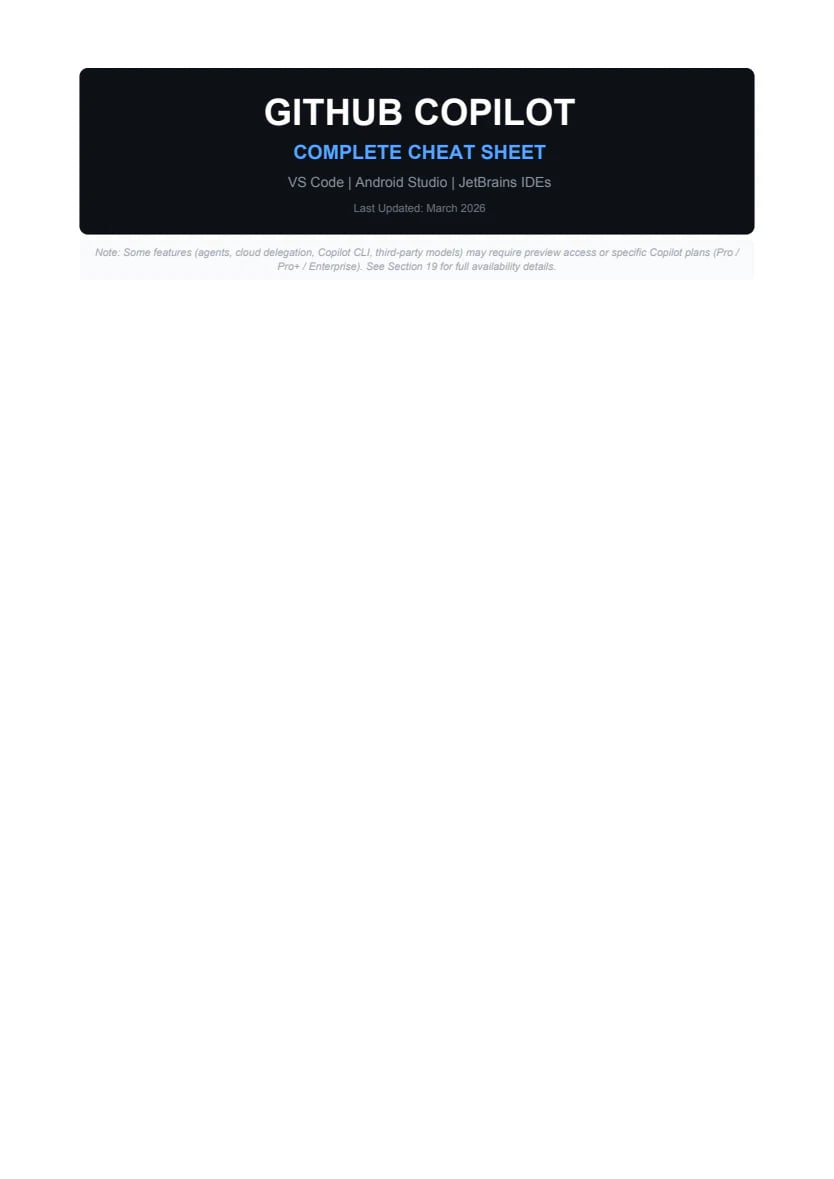
Complete GitHub Copilot Cheat Sheet 2026

March 2026By Rakesh R Gowda14-page PDF
Best broad field guide. It covers more Copilot surfaces than the top two, but its length makes it less effective as a quick cheat sheet.
The open repository PDF spans VS Code, JetBrains, Android Studio, Copilot CLI, coding agents, prompt patterns, and common workflows. It is a useful reference for readers who use Copilot in several environments and do not mind moving through a longer document.
Complete GitHub Copilot Cheat Sheet 2026 by Rakesh R Gowda

Complete GitHub Copilot Cheat Sheet 2026 - copilot across editors and CLI.

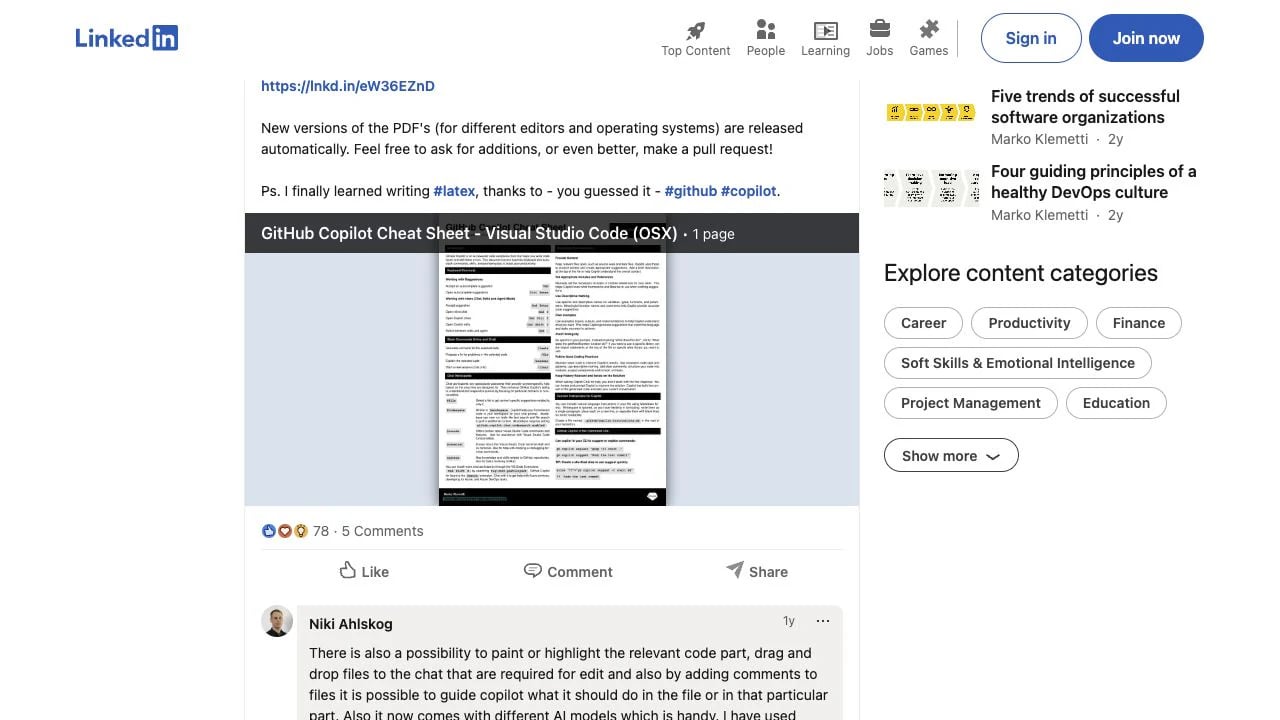
GitHub Copilot Cheat Sheet for VS Code

Published March 2025By Marko KlemettiOne-page PDFs
Best conventional one-page IDE sheet, though the public post is older and the latest generated PDF should be checked before relying on product-specific details.
Marko Klemetti condenses VS Code chat, inline suggestions, keyboard controls, context, and common Copilot actions into separate one-page files for Windows and macOS. It is easier to print than the longer Rakesh guide and more IDE-focused than the two CLI references.
GitHub Copilot Cheat Sheet for VS Code by Marko Klemetti

GitHub Copilot Cheat Sheet for VS Code - VS Code features and shortcuts.

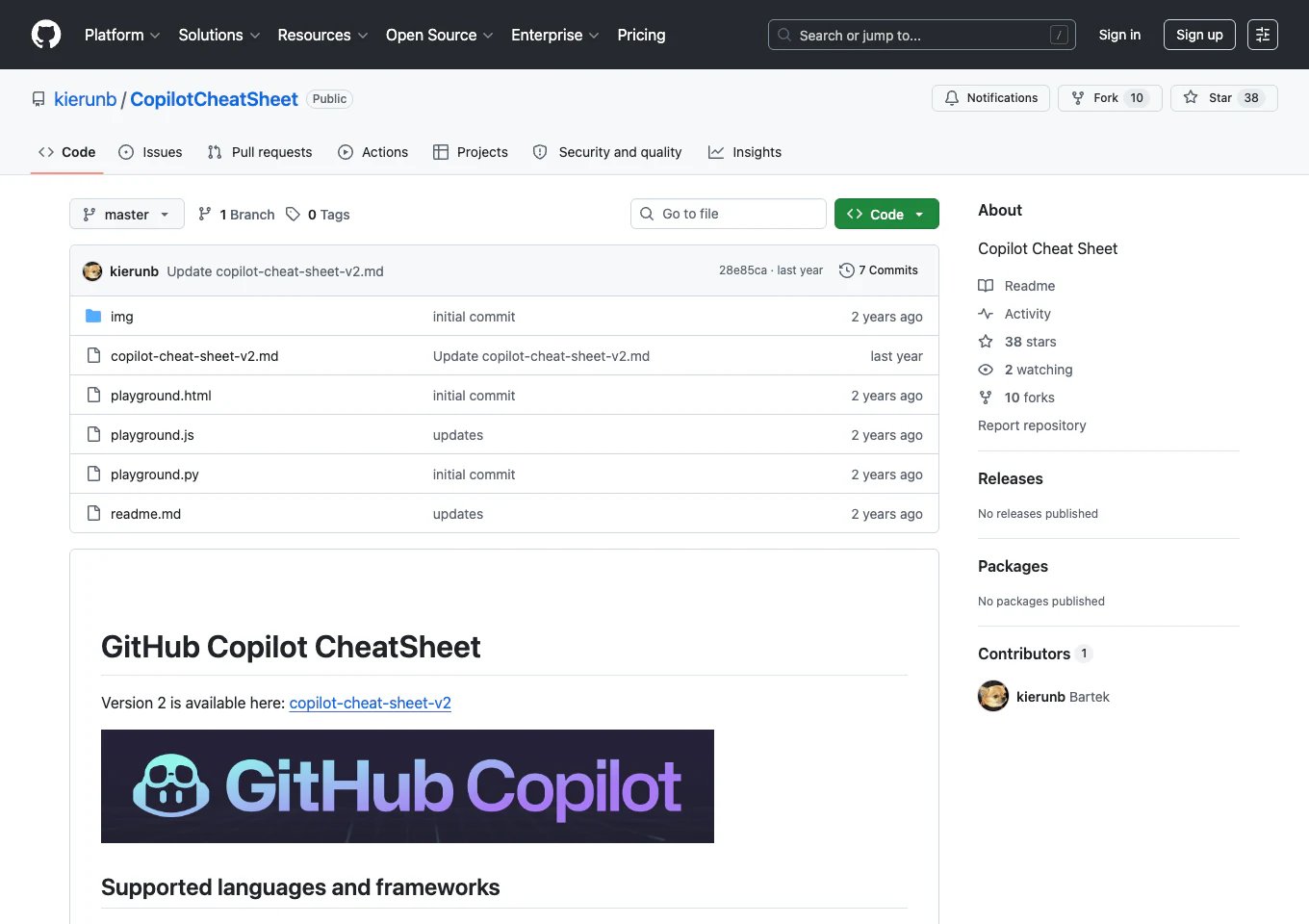
GitHub Copilot Cheat Sheet

Published in 2024By Kierun BOpen-source repository
A useful inspectable reference with practical examples, but the oldest highlighted option and the least dependable for newer Copilot features.
The repository collects prompts, keyboard shortcuts, language examples, and common Copilot usage patterns in Markdown and generated sheets. Its open format makes it easy to inspect and adapt, while its age means readers should treat feature-specific sections cautiously.
GitHub Copilot Cheat Sheet by Kierun B

GitHub Copilot Cheat Sheet - prompts, shortcuts, and examples.


Other GitHub Copilot Cheat Sheets to Consider


Frequently Asked Questions

Priyanka Vergadia’s developer cheatsheet is the strongest overall choice for the modern Copilot CLI. Prasad Honrao is better for fast interactive command lookup, while Marko Klemetti is the most conventional one-page VS Code reference.
Yes. Copilot CLI commands, flags, hooks, permissions, and terminal shortcuts differ from IDE chat commands and editor shortcuts. Choose a reference that explicitly matches the Copilot surface you use.
Marko Klemetti is the easiest one-page starting point for VS Code. Rakesh R Gowda provides broader context across editors, while Priyanka Vergadia is the better entry point for someone learning Copilot CLI.
Use the independent sheets for scanning and discovery, then confirm exact commands and availability against GitHub’s current Copilot reference. The product surface changes quickly, especially in CLI, agents, and customization.